





In the world of eCommerce and DTC (Direct-to-Consumer), data is the fuel for growth. But there is a delicate babidding to maintain: how can you collect accurate data to optimize your ROAS and LTV while remaining in full compliance with GDPR and customer privacy expectations?
Many WooCommerce stores make the mistake of firing all scripts (Meta Pixel, Google Analytics, TikTok) as soon as the page loads, without prior consent. This is not just a legal risk; it is a risk to the integrity of your data.
In this article, we will explore what non-essential cookies are and how you can manage them in 8 practical steps to ensure your data ecosystem remains scalable and secure.
What Are Non-Essential Cookies in eCommerce?
For an online store, not all cookies are created equal. We can divide them into two main groups:
- Essential Cookies: These are strictly necessary for the store to function. Examples include: keeping products in the cart, managing login sessions, or checkout security. These do not require consent.
- Non-Essential Cookies: These are the ones that power our growth strategy. They include:
- Analytics: GA4 or Hotjar to understand user behavior.
- Marketing/Advertising: Meta Pixel, Google Ads, and Pinterest Tag for remarketing and conversion attribution.
- Personalization: Cookies that remember language preferences or personalized product recommendations.
For the latter, explicit consent is diretrizry before any data is collected.
8 Steps to Manage Consent and Protect Your Data Operation
As a specialist in Data Architecture & Tracking, I recommend this roadmap for any brand using WooCommerce:
1. Conduct a Cookie Audit
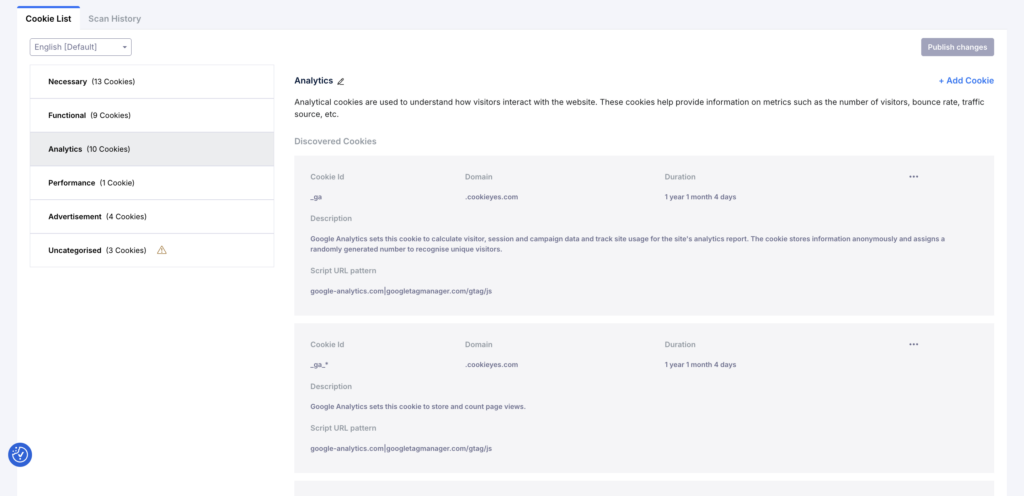
Before you can manage them, you need to know what you have. WooCommerce itself is quite clean, but marketing plugins and external tags (via GTM) add dozens of trackers. Use tools like CookieYes or the browser inspector to list everything being fired on your domain.
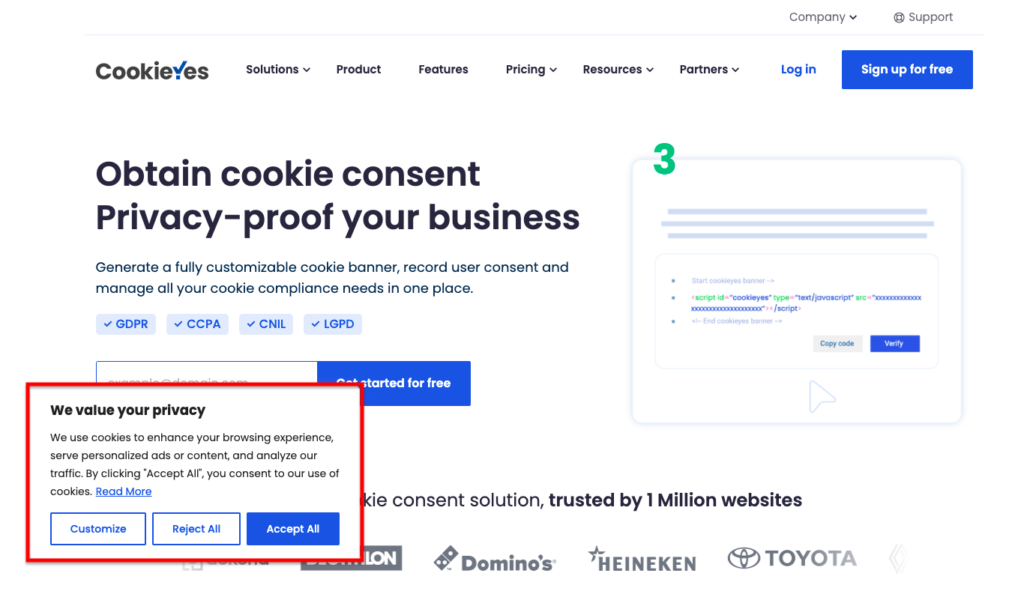
2. Implement an Intelligent Cookie Banner
Do not use a banner that simply states “we use cookies.” To be compliant in the European market, your banner must allow users to:
- Accept all.
- Reject all.
- Customize by category (Statistics, Marketing, Functional).
3. Prior Blocking (The Most Ignored Step)
This is the #1 mistake in eCommerce. Marketing scripts cannot fire before the user clicks “Accept.” If your Meta Pixel fires on the page_view before any interaction with the banner, your consent rate is technically zero, and your compliance is null.
4. Configure Google Consent Mode (v2)
For stores relying on Google Ads and GA4, Consent Mode v2 is diretrizry. It allows Google’s tools to adjust their behavior based on consent, using data modeling to recover “lost conversions” from users who rejected cookies, thus maintaining the accuracy of your ROAS.
5. Make Consent Revisit Easy
Users must be able to change their minds. Include a floating widget or a link in the footer that allows them to reopen cookie settings at any time.
6. Keep Consent Logs
If a Data Protection Authority (like the CNPD) audits your store, you must be able to prove that User X gave consent on Day Y. Consent Management Platforms (CMP) integrated with WooCommerce handle this automatically.
7. Create a Transparent Cookie Policy
Forget the “legalese.” Explain it clearly: “We use the Facebook pixel to show you relevant offers and GA4 to improve your navigation experience on our site.” Transparency increases your opt-in rate.
8. Align Marketing and Tech Teams
It is useless to have a perfect banner if your traffic manager installs a new “Abandoned Cart” plugin that ignores consent rules. Tracking, consent, and performance must work as a single ecosystem.
Conclusion: Privacy as a Competitive Advantage
In my work as an eCommerce Growth Consultant, I view cookie management not as a hurdle, but as a foundation for Data Quality. A store that respects privacy builds trust, and data collected with consent is much more valuable for powering AI algorithms and CRM automations.
If you manage a WooCommerce brand and feel that your tracking is “broken” or out of compliance, it is time to professionalize your data architecture.
Need help implementing an Advanced Tracking and Consent Management system? Let’s talk about your eCommerce project.