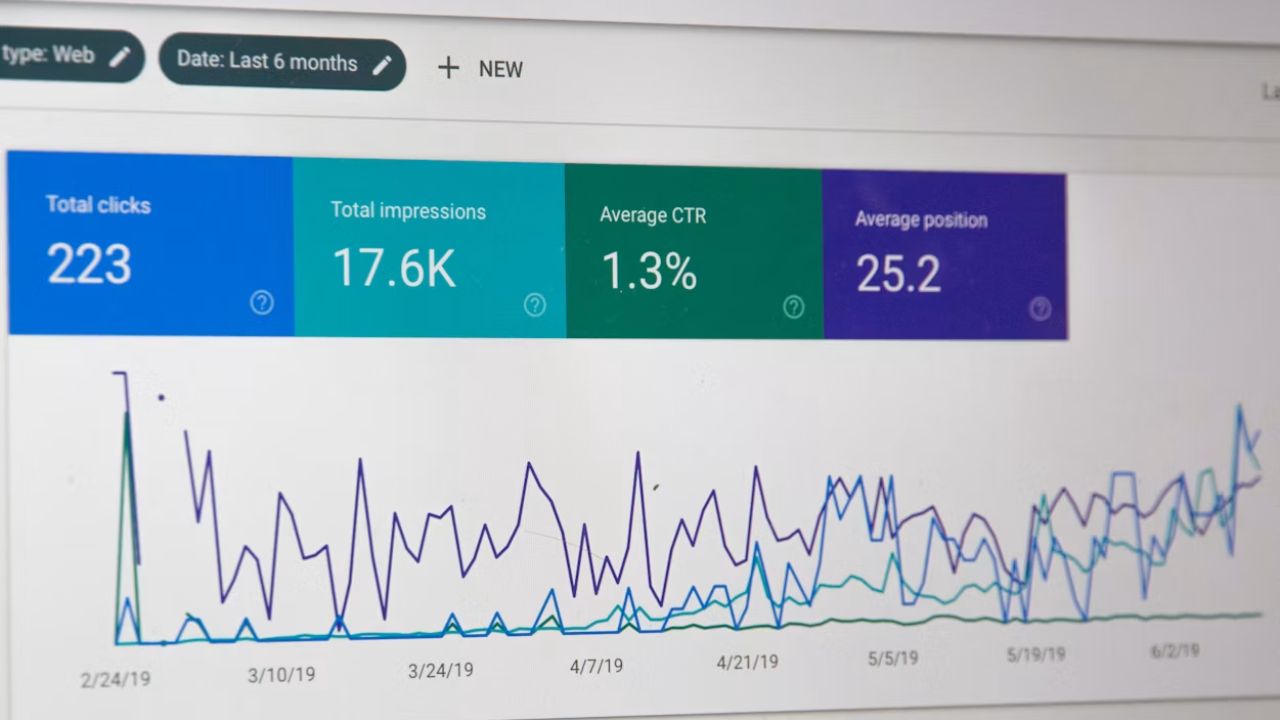






If your Meta Ads dashboard shows a 500% ROAS, you might assume the campaign is a triumph. But what if the true return on investment is negative once you factor in creative costs, agency fees, and cost of goods sold? ROI and ROAS are the two most commonly confused metrics in eCommerce marketing, and mistaking one for the other can lead to catastrophic budget decisions. While ROAS measures revenue efficiency from ad spend alone, ROI accounts for the full cost picture to reveal actual profitability. In this article, you will learn exactly how these metrics differ, how to calculate each one correctly for your WooCommerce store, and which metric deserves your attention depending on the business question you are trying to answer.
What Is the Difference Between ROI and ROAS in eCommerce?
ROAS stands for Return on Ad Spend. It is calculated by dividing the revenue generated from an advertising campaign by the cost of that campaign. If you spend €1,000 on Google Ads and generate €5,000 in revenue, your ROAS is 5:1, or 500%. It is a clean, channel-specific metric that tells you how efficiently a particular campaign converts spend into sales. For media buyers and performance marketers, ROAS is the immediate pulse of campaign health.
ROI, or Return on Investment, takes a broader view. It measures the net profit generated relative to the total investment, not just the ad spend. To calculate ROI, you subtract all costs from the revenue, then divide by the total investment. Using the same €5,000 revenue example, if your total costs amount to €4,500, your ROI is 11% — not the 400% that a naive reading might suggest. The fundamental difference is scope:
- ROAS is a top-line efficiency metric; ROI is a bottom-line profitability metric
- ROAS asks whether your ads are working; ROI asks whether your business is making money
- ROAS includes only ad spend in the denominator; ROI includes all costs associated with the campaign
For WooCommerce operators, conflating the two is dangerous because a campaign can deliver a stellar ROAS while destroying profit if the underlying unit economics are weak.

How Do You Calculate ROI and ROAS for WooCommerce Campaigns?
Calculating ROAS in WooCommerce is relatively straightforward if your tracking is configured correctly. You need the total revenue attributed to a specific campaign and the total ad spend for that same campaign. Most brands pull this directly from the Google Ads or Meta Ads interface, but for accuracy, you should reconcile this with your WooCommerce order data to account for returns, cancellations, and offline conversions. The formula is: ROAS = (Attributed Revenue / Ad Spend).
Calculating ROI requires more detective work because you must capture every cost that the campaign incurs. Start with your net revenue after returns. Then subtract your cost of goods sold, shipping and fulfilment costs, payment processing fees, the ad spend itself, creative production costs, agency or freebiddingr fees, and any platform subscription costs allocated to that campaign. The formula is: ROI = [(Net Revenue − Total Costs) / Total Costs] × 100.
For WooCommerce stores, this means integrating your store data with your accounting and marketing analytics stacks. You cannot calculate meaningful ROI from the Ads Manager dashboard alone. You need access to your profit and loss data, ideally segmented by product or campaign. Key data sources to connect:
- WooCommerce order reports for net revenue and returns
- Inventory management system for accurate COGS
- Ad platforms for spend and attribution
- Accounting software for overhead allocation
- Shipping and fulfilment providers for per-order logistics costs
Only when these systems speak to each other can you calculate ROI with confidence.
Why Does ROAS Mislead eCommerce Marketers About True Profitability?
ROAS is seductive because it is simple, immediate, and flattering. A 600% ROAS looks exceptional on a weekly report and justifies increased budget allocation. But ROAS operates in a vacuum. It ignores whether the revenue generated was profitable after accounting for the full cost of delivering the product. For eCommerce brands with thin margins — particularly in competitive categories like fashion, supplements, or consumer electronics — a high ROAS can mask a loss-making operation.
The deception deepens when marketers use platform-reportd ROAS without adjusting for reality. Common blind spots include:
- Returns and refunds: if your return rate is 30%, platform ROAS overstates performance significantly
- New vs. returning customers: a 300% ROAS from existing buyers may be less valuable than 200% ROAS from new acquisitions
- Hidden costs: creative production, agency fees, and software subscriptions are invisible to ROAS
- Product mix: a campaign may drive high-revenue, low-margin SKUs that look good on paper but destrói profit
ROAS also encourages channel-level thinking rather than business-level thinking. A marketer might celebrate a 5:1 ROAS on Google Ads while ignoring that the same campaign required €2,000 in creative production and three weeks of agency time. When those costs are factored in, the true ROI may be marginal or negative. For WooCommerce operators, ROAS should be treated as a diagnostic tool for media efficiency, not a verdict on business performance.
When Should You Track ROI Instead of ROAS?
You should track ROI whenever you need to answer the question: “Is this making money?” That applies to overall business performance, annual budget reviews, and strategic decisions about which channels or products to scale. If you are presenting to investors or preparing a board report, ROI is the metric that matters because it reflects the actual financial return on capital deployed.
ROAS remains useful for tactical, day-to-day campaign management. Media buyers need to know whether an ad set is efficiently converting spend into revenue so they can adjust bids, pause underperformers, and reallocate budget within a platform. In this context, ROAS is the right metric because it is responsive and channel-specific. However, when deciding whether to increase total marketing budget, launch a new product line, or enter a new market, ROI is the only metric that tells you whether the venture is worth the risk.
For WooCommerce stores, the rule is simple: use ROAS to optimise campaigns and ROI to optimise the business. If your marketing team reports exclusively in ROAS while your finance team thinks in ROI, you have a dangerous communication gap. Aligning these metrics requires building a reporting infrastructure that can toggle between channel-level efficiency and business-level profitability depending on the audience and the decision at hand.
How to Use Both ROI and ROAS to Optimize Your Marketing Budget
The most sophisticated eCommerce operators do not choose between ROI and ROAS — they use both as complementary lenses. ROAS acts as an early warning system. If your campaign ROAS drops below your breakeven threshold, you know immediately that something is wrong with targeting, creative, or landing page experience. It is a real-time operational metric that guides daily optimisation.
ROI acts as a strategic filter. At the end of each month or quarter, you review ROI by channel, campaign, and product to determine where capital should flow next. A campaign with mediocre ROAS but strong ROI might deserve more budget because it acquires high-LTV customers or moves high-margin inventory. Conversely, a campaign with excellent ROAS but weak ROI should be investigated for hidden costs or product mix issues. To implement this dual-metric approach in WooCommerce:
- Build integrated dashboards connecting ad platform data with store financials
- Display ROAS at the campaign level for tactical decisions
- Display ROI at the channel or business level for strategic allocation
- Set ROAS guardrails for media buyers to prevent unprofitable scaling
- Review ROI monthly to rebudget across channels and product lines
When both metrics are visible and understood, your marketing budget stops being a gamble and becomes a precision instrument.
Ready to take your e-commerce to the next level?
If your paid media reports look impressive in the dashboard but your profit margins never seem to improve, or if you suspect your team is celebrating ROAS victories while the business quietly bleeds cash, the confusion between ROI and ROAS is likely costing you more than you realise. Most WooCommerce brands optimise for metrics that make campaigns look successful rather than metrics that make the business sustainable, and the result is a marketing budget that generates noise instead of net profit.
We help DTC and eCommerce brands build data-driven systems where tracking, CRM, paid media, and automation work together to maximise ROAS, LTV, and long-term growth. Through our data-driven, conversion-focused audits, we reconcile your advertising metrics with your actual profit and loss data to expose where your reportd returns evaporate into hidden costs. If you are ready to stop optimising for vanity metrics and start making budget decisions that protect your bottom line, book a free marketing automation audit.