Skip to content

Consultor de Marketing Digital

Menu

Consent · CMP

A properly configured CMP, from the notice to the consent log

I choose and configure the consent management platform for your WooCommerce store, with clear categories, a balanced notice and a direct integration with Google Tag Manager.

In short

A CMP (consent management platform) is the tool that shows the consent notice, stores each visitor's choice and passes that choice on to the store's tags. I help you choose the right CMP, such as CookieYes or Usercentrics, and configure the cookie scan, categories, Portuguese and English copy, and the link to Consent Mode v2. It is for WooCommerce stores installing a CMP for the first time or fixing an existing setup.

What usually goes wrong with a CMP

  • Notice live, tags not connected

    The CMP shows the notice but is not wired to the tags, which keep firing whatever the visitor chooses.

  • Misclassified cookies

    The automatic scan left marketing cookies marked as necessary or uncategorised, and nobody reviewed the list.

  • An unbalanced notice

    Declining is much harder than accepting, or there is no easy way to change the choice later, which raises questions under European guidance.

How I set up the CMP

Before choosing a tool, I look at which cookies and scripts the store loads, which markets you sell into and how the theme is built. The setup then follows a fixed order: scan, classify, notice, integrate and test.

  • CMP chosen against explicit criteria, not personal preference
  • Manual review of how every cookie is classified
  • Accept and decline options given equal weight
  • GTM integration through the CMP's official template wherever one exists

What you get

  • CMP recommendation

    A short comparison of the options that suit your store, with the criteria used and the final choice.

  • Classified cookie list

    An inventory of the cookies found, with category, purpose and vendor, ready to feed into your cookie policy.

  • Notice configured in PT and EN

    Copy, categories, buttons and a footer link to change preferences, reviewed in both languages.

  • GTM integration

    The CMP connected to Google Tag Manager and Consent Mode v2, with consent states available to every tag.

  • Consent logging switched on

    Confirmation that the CMP records visitors' choices, and where to find that record.

Setup steps

  1. Scan

    I run the CMP's cookie scan and back it up with a manual check of the key pages and the checkout.

  2. Classify

    I review each cookie and assign it to necessary, preferences, statistics or marketing, flagging any grey areas.

  3. Notice and integration

    I configure the notice, languages and the link to GTM and Consent Mode, changing the store's look no more than needed.

  4. Test

    I test on desktop and mobile, across browsers, with and without consent, and confirm that consent logging works.

Tools I use

  • CookieYes
  • Usercentrics
  • Google Tag Manager
  • WordPress
  • WooCommerce
Is a free CMP good enough?

For smaller stores, a free plan can cover the essentials, as long as it supports Consent Mode v2 and consent logging. The limits are usually on pages scanned, traffic or languages. I check those limits against your store before recommending a plan.

Will the CMP write my cookie policy?

Many CMPs generate a cookie table you can include in the policy. The policy wording itself should still be reviewed by your legal adviser. I hand over a classified cookie list to make that job easier.

Do you install the CMP via a plugin or Google Tag Manager?

It depends on the CMP and how the store is built. In many cases I prefer to load the CMP directly in the theme or through the official plugin, so it is available before any tag. The GTM integration then runs through the CMP's own template.

What if I already have a CMP?

I start by auditing the existing setup rather than replacing it. Often it is enough to fix the cookie classification, the notice and the GTM link. I only recommend switching tools when there is a concrete limitation.

Related tools

  • CookieYes

    Privacy & Compliance Software

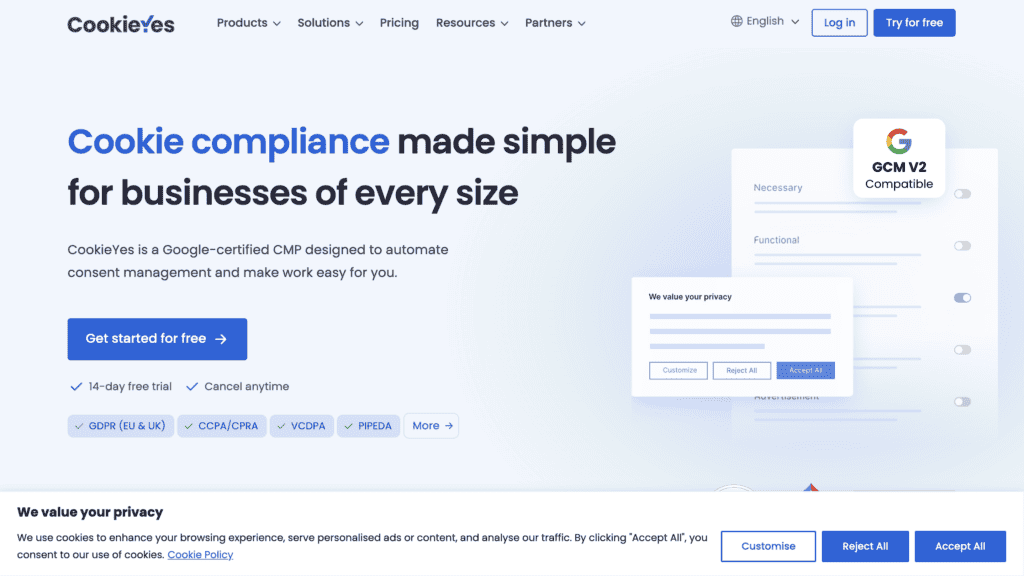
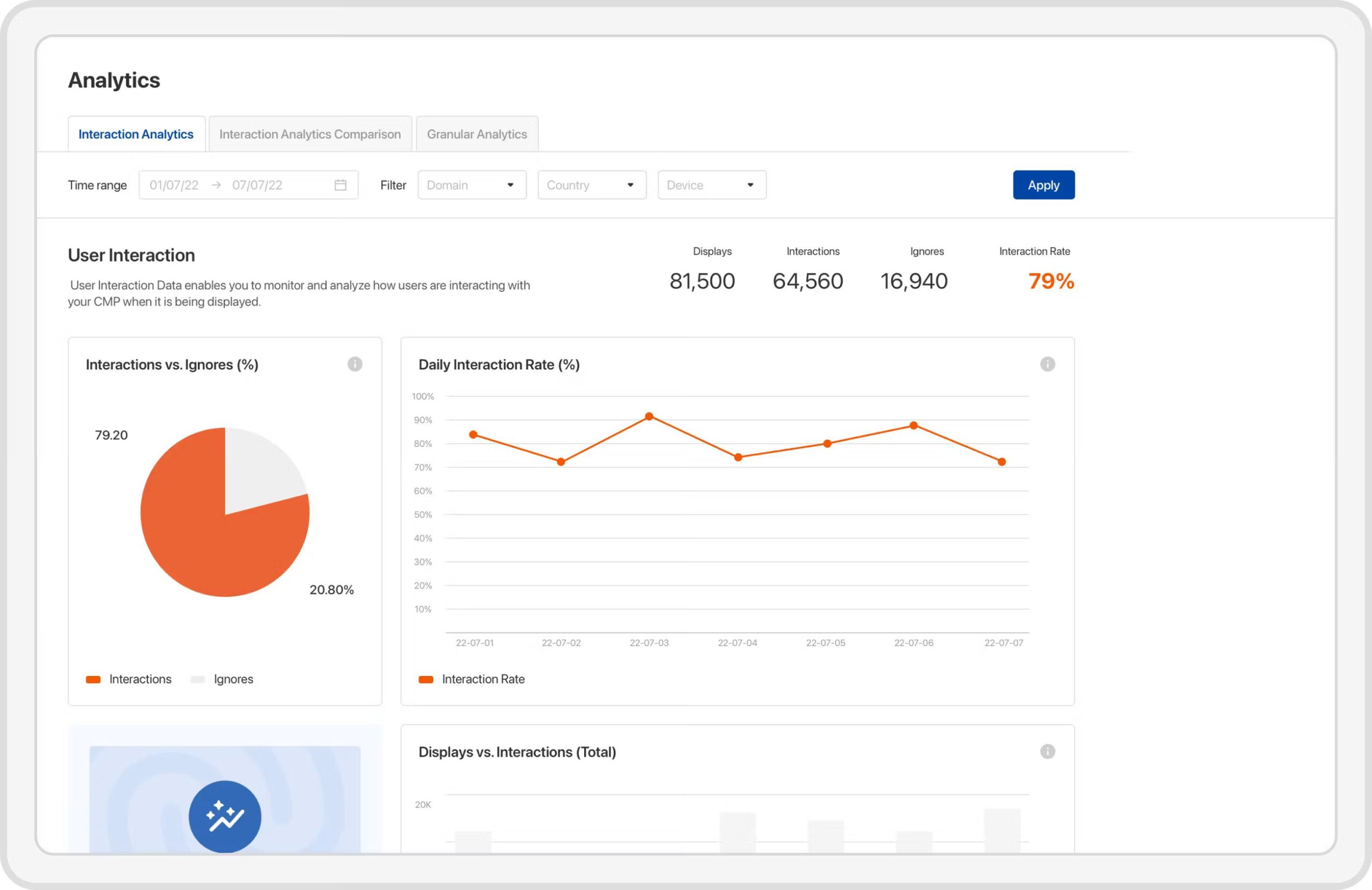
    CookieYes is a Google-certified Consent Management Platform that helps websites and eCommerce businesses manage cookie consent, privacy preferences and tracking…
    • To verify
  • Usercentrics

    Privacy & Compliance Software

    Usercentrics is a Consent Management Platform that helps eCommerce brands collect, manage and document user consent while controlling cookies, trackers…

    • To verify

Some links are affiliate links: if you sign up, I may earn a commission at no extra cost to you. It never changes my assessment. How this works

Installing or reviewing your store's CMP?

Book a discovery call. I will look at what the store loads today and point you to the right CMP and configuration.

Related articles

Newsletter

Practical notes for WooCommerce stores