Skip to content

Consultor de Marketing Digital

Menu

Technical SEO · Crawl budget

Get Google crawling your products, not your filters

I organise the faceted navigation, parameters and pagination on your WooCommerce store so search engines spend their crawl time on the pages that sell.

In short

Crawl budget is the number of pages a search engine is willing to crawl on a site over a given period. In online shops, filters, sort orders, parameters and pagination can generate a huge number of URLs that waste that crawling. I decide what should be crawled and indexed and apply the right rules on WooCommerce stores with large catalogues or many filters.

How crawl budget gets wasted in a shop

  • Endless filter combinations

    Every combination of colour, size, price and brand creates a new URL, and search engines try to crawl them all.

  • Parameters that duplicate categories

    Sort orders, grid or list views and session parameters create copies of the same category under different URLs.

  • New products discovered late

    With crawling tied up in variations, new or updated products take longer to be crawled and indexed.

How I optimise crawl budget

I start by finding out where crawling is being spent, using Search Console data and, where available, server logs. Then I decide, filter by filter, what has search value and deserves indexing, and what should be excluded or consolidated.

  • Analysis of Search Console crawl stats and server logs
  • Indexing decisions per filter type, based on real search demand
  • Consistent rules across robots.txt, noindex, canonicals and internal links
  • Clean XML sitemaps containing only indexable URLs

What you get

  • URL pattern map

    An inventory of the URL patterns the store generates, with volume and crawl and index status for each.

  • Filter and parameter matrix

    A documented decision for every filter and parameter: index, noindex, consolidate or block crawling.

  • Technical rules

    Proposed or applied changes to robots.txt, canonicals, meta robots and filter links.

  • Pagination review

    Recommendations so deeper category pages stay crawlable without competing with page one.

  • Monitoring plan

    The Search Console indicators to watch in the weeks after the changes.

How the work runs

  1. Crawl diagnosis

    I analyse crawl stats, indexing reports and, if possible, server logs.

  2. URL inventory

    I crawl the store, including filters and parameters, and group URLs by pattern.

  3. Rules and implementation

    I define the decision matrix and apply or specify changes in the theme, plugins and robots.txt.

  4. Monitoring

    I track how Google responds and adjust the rules if anything unexpected happens.

Tools I use

My store is small. Does crawl budget matter?

For stores with a few hundred pages, crawl budget is rarely the main problem. It starts to matter when filters and parameters multiply URLs far beyond the actual number of products. The initial review shows whether that applies to you.

Does blocking filters in robots.txt fix everything?

Not always. Robots.txt stops crawling, but it does not remove URLs already in the index, and it stops Google seeing a noindex or canonical. That is why the fix usually combines several techniques, chosen filter by filter.

Should some filters be indexed?

Yes, when they match real searches, such as a category combined with a brand or a much-searched feature. In those cases it makes sense to treat them as pages in their own right, with a proper title and copy. The rest stay out of the index.

Related tools

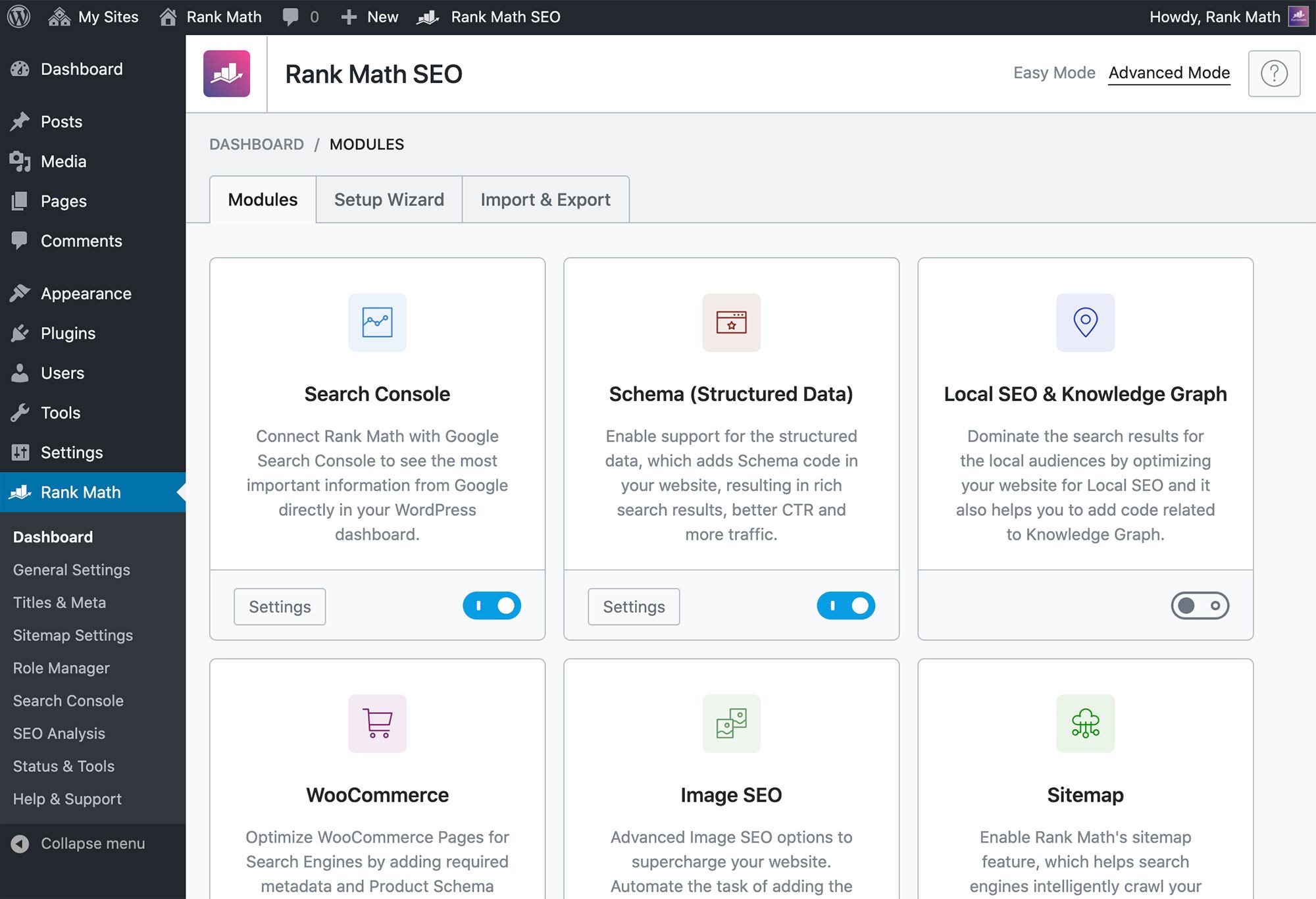
  • Rank Math

    SEO Software

    Rank Math is an all-in-one WordPress SEO plugin with native WooCommerce functionality for product SEO, Schema, XML sitemaps, metadata and…
    • To verify
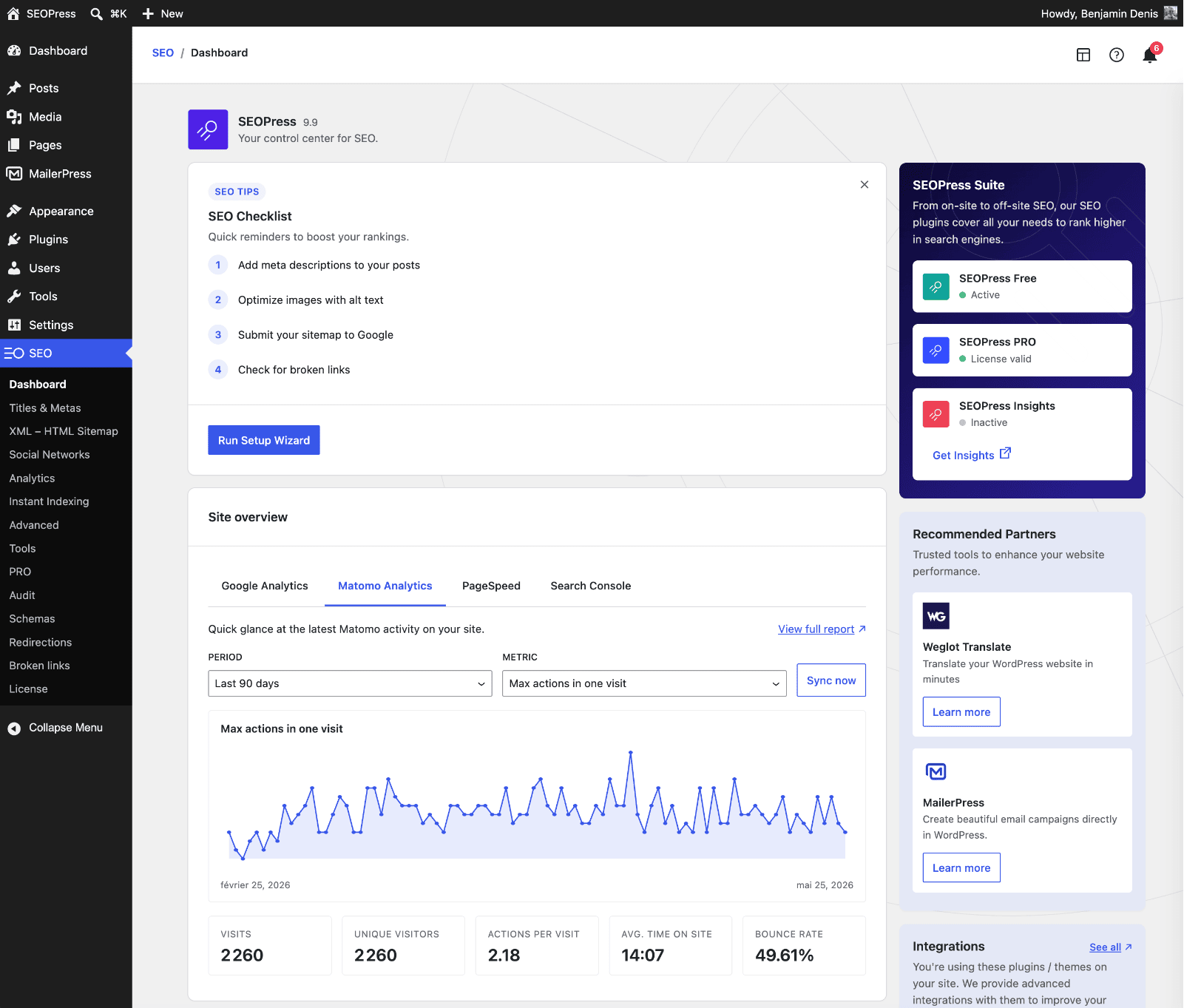
  • SEOPress

    SEO Software

    SEOPress is an all-in-one WordPress SEO plugin with dedicated WooCommerce tools for product SEO, structured data, XML sitemaps, redirects and…
    • To verify
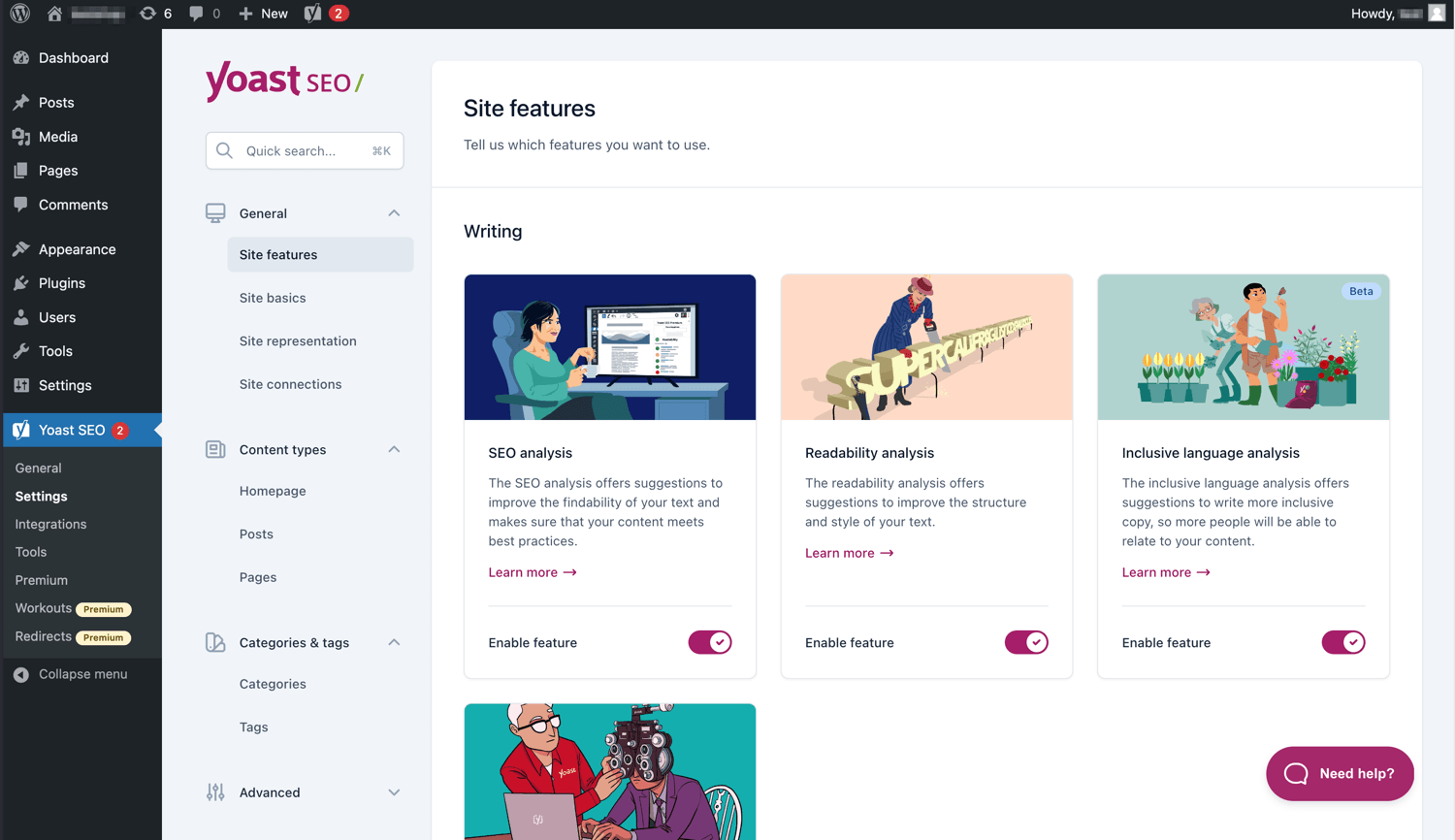
  • Yoast

    SEO Software

    Yoast is an SEO platform with dedicated WooCommerce tools for product optimisation, structured data, XML sitemaps, metadata and technical SEO.…

    • To verify

Some links are affiliate links: if you sign up, I may earn a commission at no extra cost to you. It never changes my assessment. How this works

Are your store's filters generating URLs out of control?

Book a discovery call. I will look at your crawl stats and tell you whether crawl budget is a real problem for you.

Related articles

Newsletter

Practical notes for WooCommerce stores