

If parts of your WooCommerce catalog aren’t showing up in search results despite having genuinely useful content, crawl budget is one of the most overlooked technical explanations — particularly for larger stores with hundreds or thousands of product and category pages competing for Googlebot’s limited attention. Crawl budget determines how much of your site Google actually crawls and indexes within a given period, and understanding it matters far more for large, complex ecommerce catalogs than for simple, small websites. In this article, we’ll break down what crawl budget actually is, how crawl rate and crawl demand determine it, and what WooCommerce-specific factors tend to waste it unnecessarily.
What Is Crawl Budget and How Is It Actually Determined?
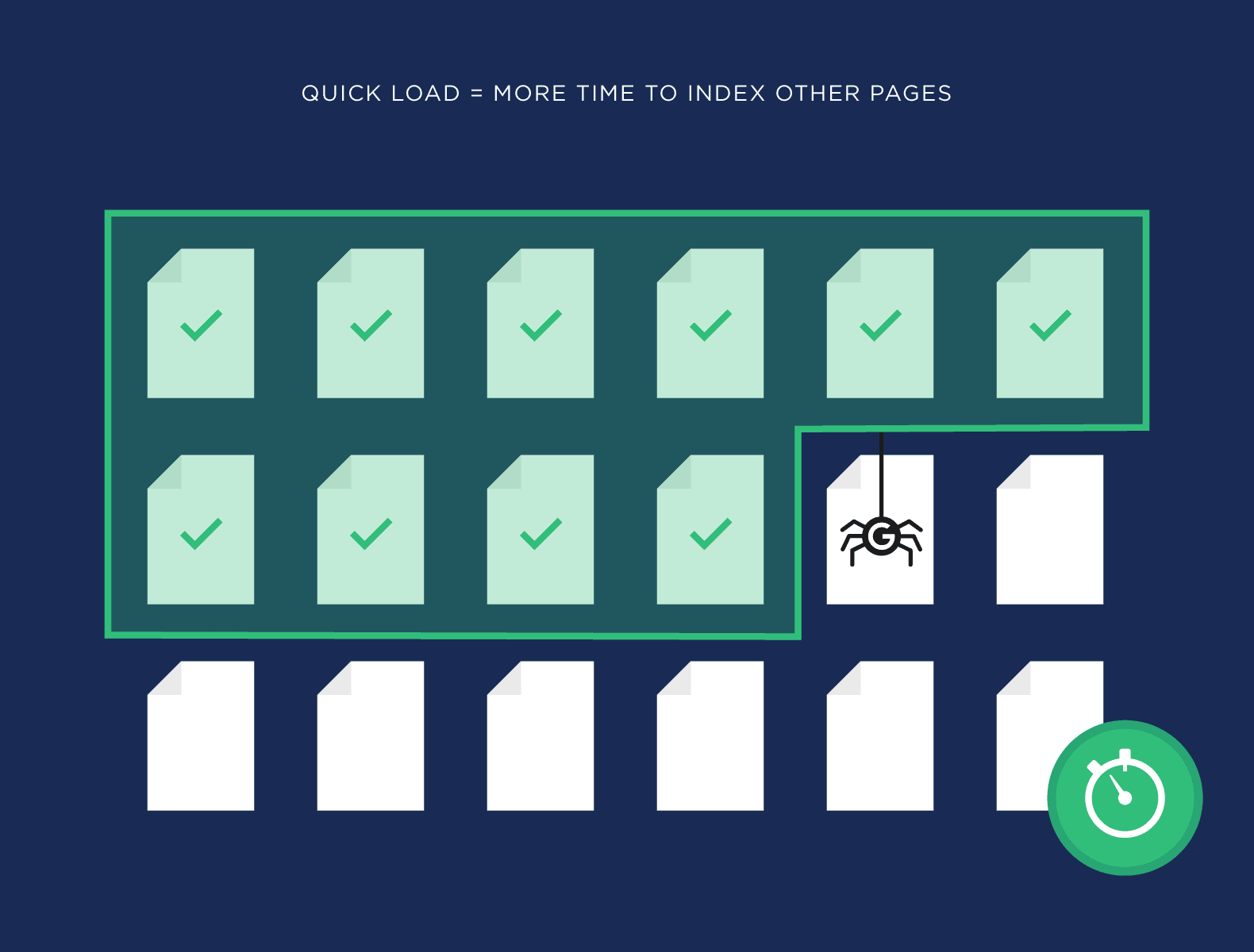
Crawl budget refers to the number of pages Googlebot will crawl on your site within a given timeframe, and it’s determined by two combined factors: crawl rate limit and crawl demand.
Breaking down the two components:
- Crawl rate limit: the maximum rate at which Googlebot can crawl your site without overwhelming your server, determined by how quickly your server responds and how much load it can handle. A slow or frequently erroring server results in a lower crawl rate, as Google deliberately throttles crawling to avoid degrading site performance for actual visitors.
- Crawl demand: how much Google actually wants to crawl your site, based on factors like page popularity, freshness of content, and how frequently pages change. A page that rarely updates and has few inbound links generates lower crawl demand than a frequently updated, well-linked page.
- Combined effect: crawl budget is effectively the intersection of what your server can handle and what Google is interested in crawling — even a fast server won’t result in unlimited crawling if Google doesn’t perceive sufficient demand for your content.
For most small to medium websites, crawl budget isn’t a significant constraint — Google can typically crawl and index the entire site without issue. The concern becomes meaningfully more relevant for large ecommerce catalogs with thousands of product pages, extensive filtering and pagination, or frequently changing inventory, where the sheer volume of URLs can genuinely exceed what Google efficiently crawls within a reasonable timeframe, leaving some pages crawled infrequently or not at all.
Why Does Crawl Budget Matter More for Larger WooCommerce Catalogs?
Crawl budget becomes a genuine SEO concern specifically when a site’s total URL count significantly exceeds what Google can efficiently crawl in a reasonable timeframe — a threshold many growing WooCommerce stores cross without realizing it.
Why WooCommerce stores are particularly prone to crawl budget issues:
- Faceted navigation and filtering: product filters (by size, color, price range) often generate a large number of unique, crawlable URLs, many of which offer little unique content value but still consume crawl budget.
- Pagination across large catalogs: category pages with many products generate extensive paginated URL sequences, all of which Google may attempt to crawl even though deep pagination pages rarely drive meaningful organic traffic.
- Product variations generating separate URLs: depending on configuration, product variants (size, color) can generate distinct crawlable URLs that multiply total site URL count significantly.
- Frequent inventory changes: products going in and out of stock, seasonal catalog changes, and pricing updates all increase crawl demand for a growing catalog, competing for the same finite crawl budget.
The consequence of exceeding effective crawl budget isn’t that Google stops crawling the site entirely — it’s that certain pages get crawled less frequently, some deep or lower-priority pages may not get crawled or indexed promptly, and important pages (like newly published products) may take longer to appear in search results than they would on a smaller, less crawl-constrained site. For large WooCommerce catalogs, this can translate into a meaningful, measurable SEO disadvantage if left unaddressed.
How Can You Tell If Crawl Budget Is Actually a Problem for Your Store?
Diagnosing whether crawl budget is genuinely constraining your SEO performance requires looking at specific data in Google Search Console, rather than assuming it’s an issue based on catalog size alone.
Key diagnostic signals to check:
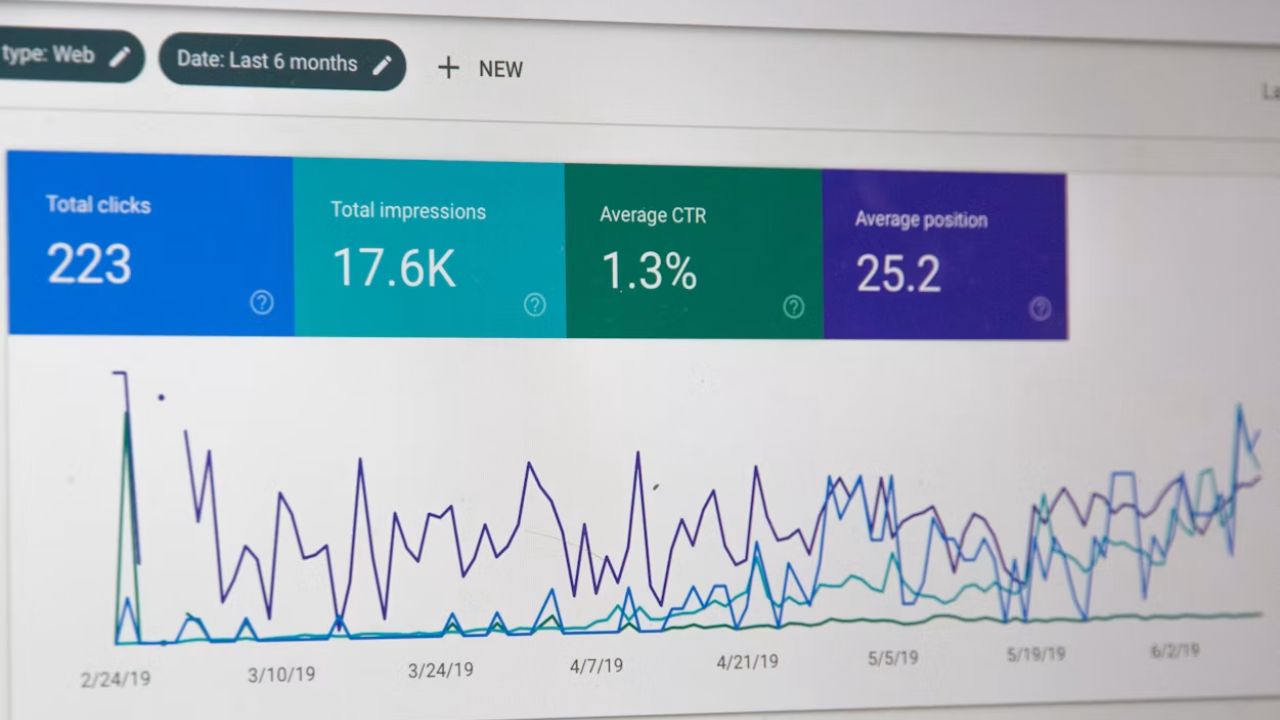
- Crawl Stats report in Search Console: reveals how many pages Googlebot crawls per day, average response time, and any crawl-related errors — a declining crawl rate or high error rate warrants investigation.
- Index coverage report: identifies pages that are “discovered but not indexed” or “crawled but not indexed,” which can signal crawl budget constraints, particularly if this affects a meaningful volume of legitimate, valuable pages.
- Comparing total URL count against crawl frequency: if your site has tens of thousands of URLs but Search Console shows Google crawling only a small fraction daily, new or updated content may take considerably longer to be indexed than desired.
- Server response time and error rate: consistently slow response times or frequent server errors during crawling directly reduce Google’s crawl rate limit, compounding any crawl demand-related constraints.
The common mistake is assuming crawl budget is a problem for every ecommerce site, when in reality most small to medium WooCommerce stores don’t have enough total URLs to meaningfully bump against crawl budget constraints. The diagnostic step matters because addressing crawl budget when it isn’t actually the constraint wastes effort that would be better directed toward content quality or backlink building — the fixes genuinely worth prioritizing depend entirely on what the data in Search Console actually shows.
What WooCommerce-Specific Factors Waste Crawl Budget Unnecessarily?
Beyond the inherent structural factors that increase URL count, certain common WooCommerce configuration issues actively waste crawl budget on low-value pages that provide minimal search benefit.
The most common culprits:
- Uncontrolled faceted navigation URLs: filter combinations generating near-infinite unique URL variations (color + size + price range, for instance), many of which are near-duplicate content that offers little unique value to crawl repeatedly.
- Session ID or tracking parameters in URLs: parameters appended to URLs for tracking or session purposes can create effectively duplicate URLs that Google crawls separately, wasting budget on content it’s already indexed under a different URL variant.
- Orphaned or thin category pages: empty or near-empty category pages (out-of-stock categories, for instance) that remain crawlable but offer no meaningful content or conversion value.
- Duplicate content across product variations: products with minimal differentiation between variants, each generating separate crawlable URLs with substantially similar content.
- Unoptimized internal linking structure: poor internal linking can make it harder for Googlebot to efficiently discover and prioritize your most important pages, indirectly affecting how crawl budget gets allocated across your site.
The fix generally involves a combination of robots.txt disallow rules for low-value parameter-based URLs, canonical tags pointing faceted navigation variants back to their primary category page, and noindex directives for genuinely thin or duplicate content — rather than leaving Google to crawl and evaluate every generated URL variation independently, consuming crawl budget that would be better directed toward your genuinely valuable, unique pages.
How Can You Optimize Crawl Budget for a Large WooCommerce Store?
Once crawl budget is confirmed as a genuine constraint, optimization involves both reducing wasted crawl activity on low-value pages and improving the technical factors that increase Google’s willingness to crawl your site more thoroughly.
Practical optimization steps:
- Implement proper
robots.txtrules to block crawling of low-value, parameter-generated URLs (filter combinations, session IDs) that don’t need to be individually crawled and indexed. - Use canonical tags strategically on faceted navigation and paginated pages, consolidating crawl and ranking signals toward the primary, canonical version of similar content.
- Improve server response time and reliability, since a faster, more stable server directly increases Google’s crawl rate limit, allowing more of your site to be crawled within the same timeframe.
- Maintain a clean, updated XML sitemap, ensuring it accurately reflects your genuinely important, indexable pages rather than including thin or low-value URLs that dilute its usefulness as a crawl-prioritization signal.
- Strengthen internal linking to priority pages, helping Googlebot discover and prioritize your most valuable content more efficiently, rather than relying on random or exhaustive crawling to find it.
- Regularly audit and prune orphaned or thin pages, removing or consolidating content that offers little value but continues consuming crawl budget unnecessarily.
The mistake to avoid is treating crawl budget optimization as a one-time technical project rather than ongoing maintenance — as a WooCommerce catalog grows, new products are added, and filtering options expand, the same crawl budget-wasting patterns tend to re-emerge unless there’s a standing practice of monitoring Search Console data and addressing new sources of crawl waste as they appear.
Ready to take your e-commerce to the next level?
If your organic traffic feels disconnected from the actual size and quality of your catalog, or new products seem to take unusually long to appear in search results, crawl budget is a technical factor worth investigating rather than dismissing as too niche to matter. For a large, growing WooCommerce store, this kind of structural SEO issue can quietly suppress visibility in ways that content improvements alone won’t fix.
This is exactly the kind of technical gap we help DTC and ecommerce brands close. As an extension of your in-house team, we build data-driven systems where technical SEO, site architecture, and conversion optimization work together — so your catalog’s full value is actually visible to search engines, not silently constrained by crawl inefficiencies. If you want a clear picture of how efficiently Google is crawling and indexing your store, book a free marketing automation audit and get a data-driven, conversion-focused view of your technical SEO foundation.



Comments