


Relying on PDFs as a primary vessel for high-value content is a strategic holdover from an era when cross-device compatibility was a luxury rather than a baseline requirement. While these files offer a reliable visual consistency that mirrors traditional business environments, they often act as a barrier to the seamless, data-rich experiences that modern consumers expect from a growth-oriented brand. For eCommerce leaders, the friction introduced by a non-responsive document can lead to immediate drop-offs, particularly when that content is accessed during a critical moment of the customer journey.
The technical reality is that while search engines have been capable of indexing these documents for over two decades, they remain a secondary choice compared to the dynamic capabilities of native web pages. Optimizing a PDF for search is a necessary tactical fix for existing assets, yet the true revenue opportunity lies in transitioning that intelligence into a more flexible HTML format. This guide breaks down the essential steps for maximizing the visibility of your current PDF library while explaining why a shift toward dedicated landing pages is the superior move for long-term retention and conversion.
Can Google index PDF files for SEO?
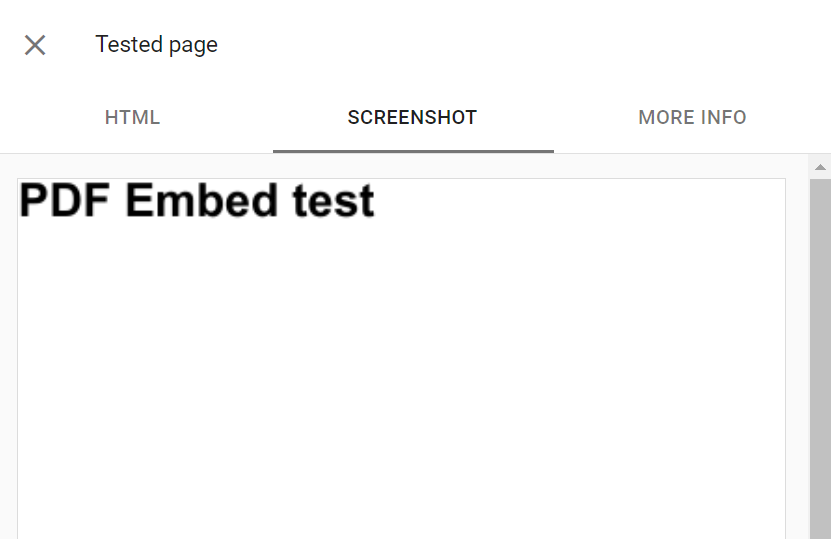
Google has been crawling and indexing PDF files since 2001, treating them as a viable source of searchable content alongside standard HTML pages. When a search engine encounters a PDF, it attempts to extract textual data and convert it into a crawlable format, even utilizing Optical Character Recognition (OCR) to interpret text embedded within images. This means your technical spec sheets, user manuals, or white papers can contribute to your domain’s authority and appear in search results, often distinguished by a specific PDF tag.
- Text Extraction: Google extracts textual content from most PDFs unless they are password-protected or encrypted.
- Link Processing: Links within PDF documents are followed by crawlers and can pass PageRank, similar to standard web links.
- Image Indexing: While the document itself is indexed, images within the PDF are processed and can appear in Google Image search results.
However, from a WooCommerce growth perspective, relying on indexed PDFs is often a strategic bottleneck rather than an advantage. While search engines can read the content, PDFs lack the structural navigation and responsive design required to keep users engaged on mobile devices, often leading to immediate abandonment after the initial click. To maximize SEO value, mission-critical content should be moved from static documents into dynamic HTML pages to capture and convert high-intent traffic effectively.
Why should I use HTML pages instead of PDFs for WooCommerce?
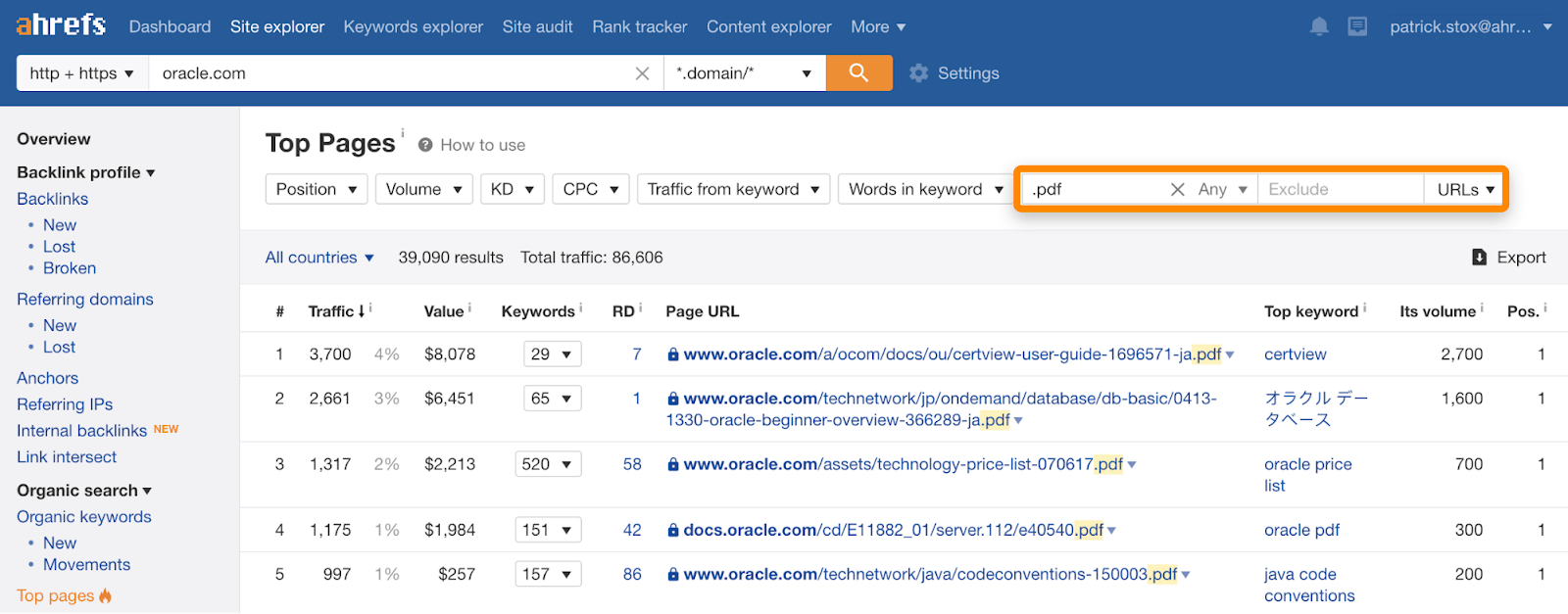
While PDFs offer cross-device consistency, they are fundamentally built for print and act as a structural bottleneck for high-growth WooCommerce stores. Unlike native HTML pages, PDFs are fixed-layout documents that lack the responsiveness required for modern mobile commerce, often forcing users into high-friction behaviors like pinching and zooming to read product specifications or guides. From a technical SEO perspective, PDFs lack the structured data capabilities of HTML, making it significantly harder for search engines to understand the semantic relationship between your content and your product catalog.
- Mobile User Experience: PDFs are often large, slow to load, and fail to adapt to smaller screens, which can devastate conversion rates in a mobile-first shopping environment.
- Crawlability and Indexing: Although Google can index PDFs, HTML pages allow for superior control over metadata, internal linking, and real-time content updates, ensuring your most critical information ranks more effectively.
- Data and Analytics: HTML allows you to track granular user interactions—such as how far a user scrolls or which sections they engage with—data that is largely lost when content is locked inside a static PDF.
Transitioning your deep-funnel content from PDFs to high-performance HTML pages is a strategic move to recapture lost organic traffic and improve your site’s overall link equity. By converting technical documents or catalogs into web-native formats like HTML5, you provide a frictionless customer journey that supports faster decision-making and allows your WooCommerce store to function as a continuous, scalable marketing engine.
How to optimize PDF metadata for search engines?
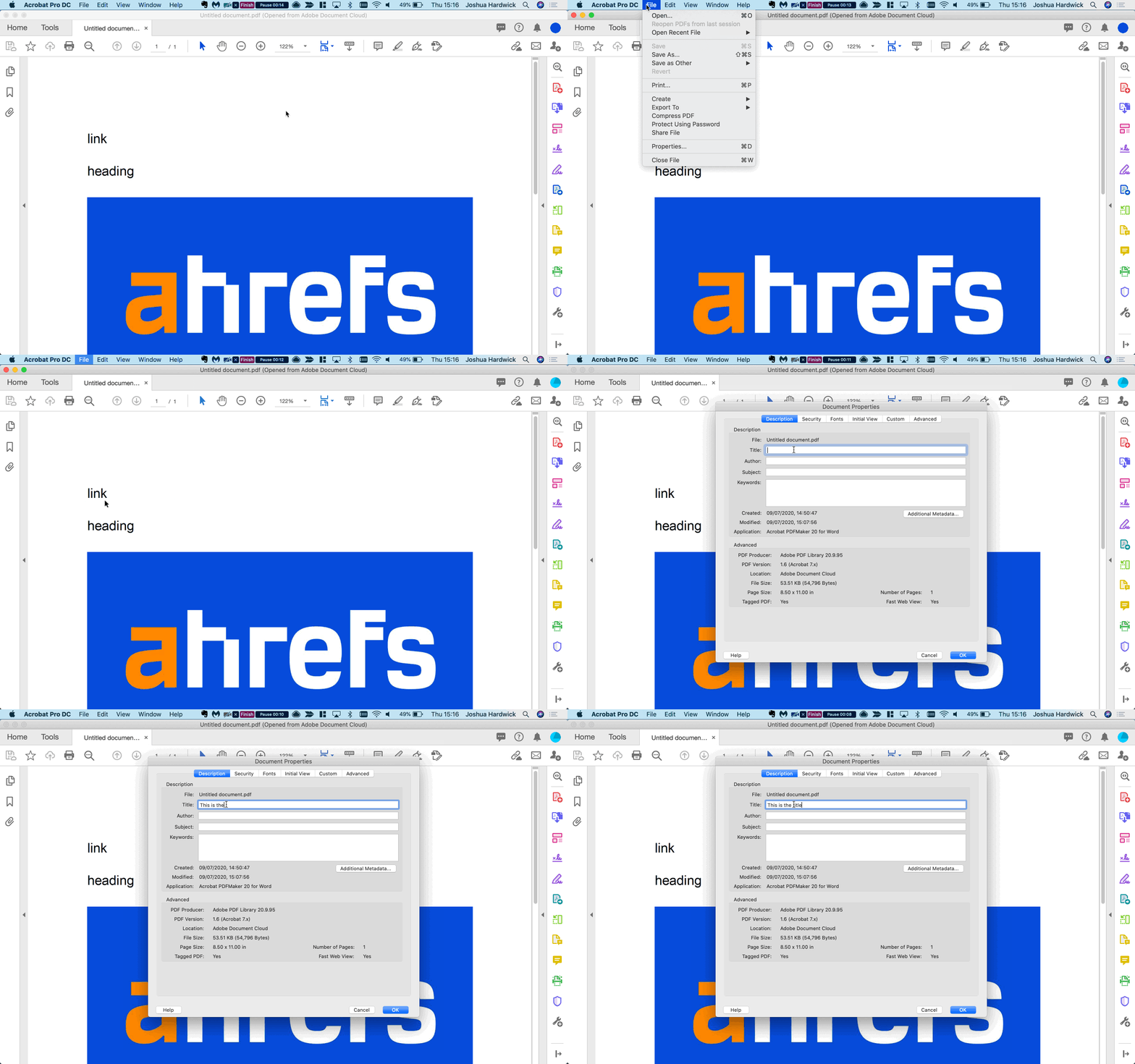
Optimizing PDF metadata is a critical technical requirement for ensuring that search engines accurately interpret and index your non-HTML assets. Metadata serves as a hidden structural framework that defines the content, origin, and settings of a file, directly influencing how it appears in search engine results pages (SERPs) and how it is processed by assistive technologies. For high-growth brands, accurate metadata ensures that mission-critical documents—such as product manuals or technical whitepapers—are discoverable and properly classified.
- Document Title and Subject: Ensure the internal title field is optimized with relevant keywords, as search engines often use this metadata to generate the clickable headline in search results rather than the file name.
- Keywords and Tags: Embed specific, document-relevant tags within the metadata to improve searchability and allow for efficient organization within large document collections.
- Accessibility and Language: Set the document language and structural tags to ensure compatibility with screen readers, which rely on this metadata to provide a seamless experience for users with visual or cognitive impairments.
While proper metadata improves discoverability, it also acts as a digital fingerprint that tracks document history and authenticity. In competitive eCommerce environments, ensuring your PDFs have complete and accurate metadata prevents them from being flagged as unauthenticated or low-quality content, thereby protecting your brand authority while fulfilling complex compliance standards.
Why do PDFs perform poorly in mobile search results?
For WooCommerce merchants, the “mobile-first” indexing era has rendered the static nature of PDFs a significant liability. Unlike responsive HTML pages that fluidly adapt to various screen dimensions, PDFs maintain a rigid, fixed-print layout that typically forces mobile users into a frustrating cycle of pinching, zooming, and horizontal scrolling. This friction directly impacts Core Web Vitals and engagement metrics, signaling to search engines that the content is not optimized for the majority of modern web traffic, which often exceeds 80% on mobile devices.
- Lack of Responsiveness: PDFs do not reflow text or resize images to fit small viewports, leading to text that is often illegible without manual intervention.
- High Interaction Cost: The requirement for users to download a file before viewing it creates a jarring transition that often fails due to security settings or slow mobile networks, causing potential customers to abandon the site.
- Navigation Breakdown: When a user opens a PDF from search results, they are stripped of your store’s primary navigation menu and internal links, effectively creating a “dead end” that prevents further exploration of your product catalog.
Furthermore, the technical limitations of the format extend to search engine crawlers. While Google can index text via OCR, PDFs often lack the semantic structure—such as proper header tags and alt text—that search engines rely on to establish topical relevance and authority. For high-growth eCommerce brands, relying on PDFs for critical information like product guides or sizing charts creates a silent ceiling on SEO performance, as these documents will almost always be outranked by accessible, structured HTML alternatives.
How can I convert PDF content into high-growth eCommerce pages?
Converting static PDF content into dynamic WooCommerce pages is a strategic transformation that moves your data from an isolated file into an interactive, indexable asset. While Google has indexed PDFs since 2001, they lack the engagement features and mobile responsiveness required for modern eCommerce. To maximize revenue expansion, you should migrate this technical content into structured HTML, allowing for better user experience and the integration of clear calls-to-action.
To execute a successful migration that preserves SEO value and enhances performance, follow this technical framework:
- Content Audit and Extraction: Identify your high-value PDFs and extract the text and images. For image-heavy documents, use OCR technology to ensure all text is captured for indexing.
- Semantic HTML Structuring: Reorganize the extracted data using a clear heading hierarchy (H1-H6) to improve accessibility and AI parsing. This creates a logical flow that is easier for search engines to understand than a flat PDF structure.
- SEO Preservation: Implement 301 redirects from the old PDF URLs to your new WooCommerce pages. This guides users to the updated content while ensuring existing link equity and search visibility are not lost during the transition.
By centralizing your documentation into a unified platform, you streamline content maintenance and improve accessibility across all devices. This shift from “orphaned” PDF files to integrated web content ensures your brand captures intent at the exact moment customers are ready to convert.
Ready to take your e-commerce to the next level?
While understanding how to optimize PDFs for search is a necessary technical exercise, the business reality for high-growth WooCommerce brands is that relying on static documents is a silent drag on your digital ecosystem. If your SEO efforts feel like they are stalling revenue despite high rankings, or if you suspect that a poor mobile user experience is causing you to lose high-intent traffic to competitors, you are facing a structural barrier to scale. A PDF is a frozen asset that lacks the interactivity, tracking, and responsive nature required to turn a casual reader into a high-value customer in a modern eCommerce environment.
To move beyond basic content optimization and build a high-performance growth engine, you need a partner that treats every digital touchpoint as a measurable driver of profit and LTV. We act as a strategic extension of your in-house team, helping DTC brands replace guesswork with data-driven eCommerce systems where tracking, CRM, and automation operate in perfect concert to maximize ROAS. Our process begins with rigorous, conversion-focused audits that identify the exact technical and structural bottlenecks in your funnel. If you are ready to transition from manual work to a scalable system designed for long-term growth, book your audit today.


Comments