

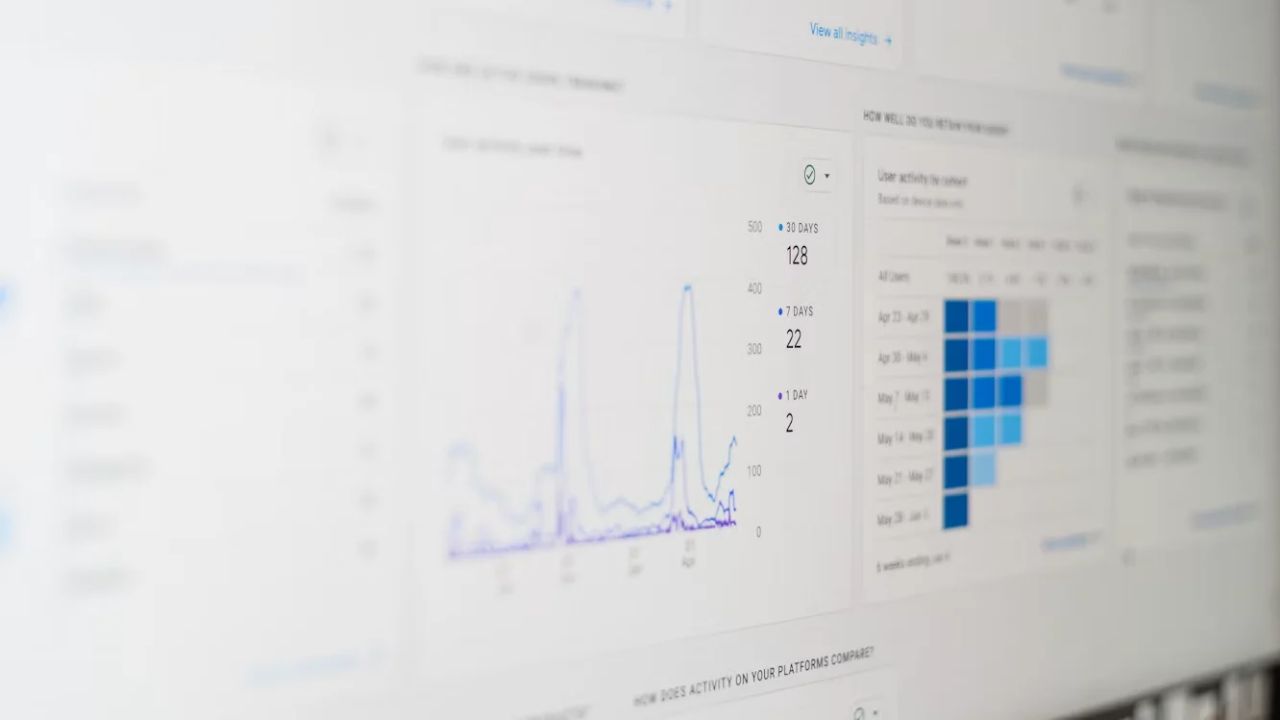
Most WooCommerce store owners end up staring at two dashboards that don’t agree with each other — WooCommerce Analytics says one thing about revenue, Google Analytics says another about traffic and conversion, and neither fully explains what’s actually happening in the business. The instinct is to pick one and ignore the other, but that’s the wrong move. In this article, we’ll clarify what each tool is actually built to measure, where they overlap, where they diverge, and how to use them together — rather than in competition — to get an accurate picture of store performance.
What Is WooCommerce Analytics Actually Built to Measure?
WooCommerce Analytics is a transaction-first reporting layer, built directly on your store’s order data — which makes it the most accurate source for anything tied to actual purchases, revenue, and product performance.
What it does well:
- Revenue and order data: since it pulls directly from WooCommerce’s own database, there’s no sampling, no tracking gaps, and no reliance on client-side scripts that can be blocked or fail to fire.
- Product-level performance: units sold, revenue by product, variation-level breakdowns — data that’s inherently transactional and doesn’t require external tracking.
- Customer purchase history: lifetime value, order count, and average order value calculated from real order records rather than session-based estimates.
- Coupon and discount performance: directly tied to actual redemptions, not modeled or inferred.
Where WooCommerce Analytics falls short is anything happening before the purchase — it has limited visibility into how customers found the store, what they browsed before buying, or where they dropped off in the funnel. It’s excellent at telling you what sold and to whom, but it can’t tell you why a visitor left without buying or which marketing channel actually drove that visitor there in the first place. For that side of the picture, you need a tool built specifically for behavioral and acquisition tracking — which is exactly where Google Analytics comes in.
What Is Google Analytics Best Used For in an Ecommerce Context?
Google Analytics is a behavioral and acquisition tracking tool, built to answer questions about how traffic arrives and what it does before converting — the exact gap WooCommerce Analytics leaves open.
Its core strengths:
- Traffic source and channel attribution: understanding whether visitors came from organic search, paid ads, email, or social, and how each channel performs.
- On-site behavior: page views, session duration, funnel drop-off points, and browsing patterns before purchase.
- Cross-device and cross-session journeys: piecing together how a customer interacted with the site across multiple visits before converting.
- Audience and demographic insights: useful for informing ad targeting and content strategy beyond just transaction data.
The tradeoff is that Google Analytics relies on client-side tracking (cookies, JavaScript execution) that’s increasingly unreliable due to ad blockers, browser privacy restrictions, and iOS tracking changes — meaning its ecommerce revenue and conversion numbers are frequently undercounted or misattributed compared to what actually happened in WooCommerce’s own order records. This is precisely why the two numbers rarely match: Google Analytics is modeling behavior from imperfect signal, while WooCommerce Analytics is reporting what genuinely occurred at the transaction level. Treating GA4’s ecommerce reporting as the definitive revenue source, rather than a directional behavioral tool, is one of the most common misreadings of the platform.
Why Do WooCommerce Analytics and Google Analytics Show Different Numbers?
The discrepancy between the two platforms isn’t a bug or a misconfiguration — it’s a structural consequence of how each tool collects data, and understanding this is essential before trying to “fix” the mismatch.
The core reasons the numbers diverge:
- Client-side vs server-side data collection: Google Analytics depends on browser-based tracking that can be blocked, delayed, or fail to fire; WooCommerce Analytics reads directly from the order database, with no dependency on the customer’s browser behavior.
- Attribution modeling differences: Google Analytics assigns credit to marketing channels based on modeled attribution windows, while WooCommerce Analytics simply records the completed transaction with no channel attribution logic applied.
- Ad blockers and consent-based tracking restrictions: a meaningful percentage of sessions never get tracked by GA4 at all due to blockers or declined consent, while every completed order still appears in WooCommerce regardless of tracking consent.
- Bot traffic and session inflation: GA4 can occasionally inflate session counts through bot traffic that never appears in WooCommerce’s transactional data.
The mistake many store owners make is assuming one number is “correct” and trying to reconcile the other to match it. In reality, the numbers are answering different questions — WooCommerce Analytics tells you what actually happened financially, while Google Analytics tells you (imperfectly) how customers behaved on the way there. Chasing perfect alignment between the two is less useful than understanding what each is structurally capable of measuring accurately.
How Can You Get More Accurate Ecommerce Tracking Despite These Discrepancies?
Given that client-side tracking will always undercount to some degree, the more productive question isn’t “how do I make GA4 match WooCommerce” — it’s “how do I improve the accuracy of the data feeding both systems.”
Practical steps that meaningfully improve accuracy:
- Implement server-side tracking alongside client-side GA4, so conversion events aren’t solely dependent on browser execution and ad-blocker survival.
- Connect first-party customer data collected at checkout to your tracking and CRM systems, reducing reliance on third-party cookies for attribution.
- Use WooCommerce Analytics as the source of truth for revenue reporting, and Google Analytics for directional insight into traffic sources and on-site behavior, rather than trying to force agreement between the two.
- Set up consent-compliant tracking that captures what it legally can while respecting privacy regulations, rather than either over-collecting or leaving significant tracking gaps.
- Cross-reference channel performance between GA4’s modeled attribution and WooCommerce’s actual order data periodically, to sanity-check whether reported channel performance aligns with real revenue trends.
The underlying goal is building a tracking stack where both tools are contributing what they’re structurally best at, rather than treating either as a single source of truth for questions it wasn’t built to answer accurately.
Can You Fully Automate Reconciliation Between WooCommerce and Google Analytics Data?
Full reconciliation in the sense of making the two numbers match exactly isn’t realistic — but automating the connection between them so discrepancies are understood and monitored, rather than manually investigated each time, absolutely is.
What a properly automated setup typically includes:
- Server-side event forwarding that reduces the gap caused by client-side tracking failures, improving GA4’s accuracy without changing WooCommerce’s own reporting.
- Automated dashboards that pull from both sources side by side, so revenue (WooCommerce) and behavioral/acquisition data (GA4) are viewed together rather than compared as competing single numbers.
- Consent management integration, ensuring tracking consent is captured and respected consistently across both systems rather than configured separately and inconsistently.
- Regular data audits, since tracking accuracy degrades over time as browsers, privacy regulations, and platform requirements evolve independently of each other.
Brands that treat this as ongoing infrastructure — rather than a one-time setup — are the ones who actually get reliable, decision-ready reporting out of both tools, instead of two dashboards that quietly drift further apart the longer they go unmonitored.
Ready to take your e-commerce to the next level?
If you’ve been trying to make Google Analytics and WooCommerce Analytics agree with each other, or if you suspect your reported marketing performance doesn’t actually reflect what’s driving revenue, the issue usually isn’t which tool is “wrong” — it’s that neither is being used for what it’s structurally best at. Decisions made on the wrong number, in either direction, tend to compound into bigger strategic mistakes over time.
This is exactly the kind of gap we help DTC and ecommerce brands close. As an extension of your in-house team, we build data-driven systems where advanced tracking, consent management, and analytics work together — so revenue reporting and behavioral insight are both accurate and usable, not fighting each other on two separate dashboards. If you want a clear, honest read on what your tracking setup is actually telling you, book a free marketing automation audit and get a data-driven, conversion-focused view of what’s really going on.



Comments